Description
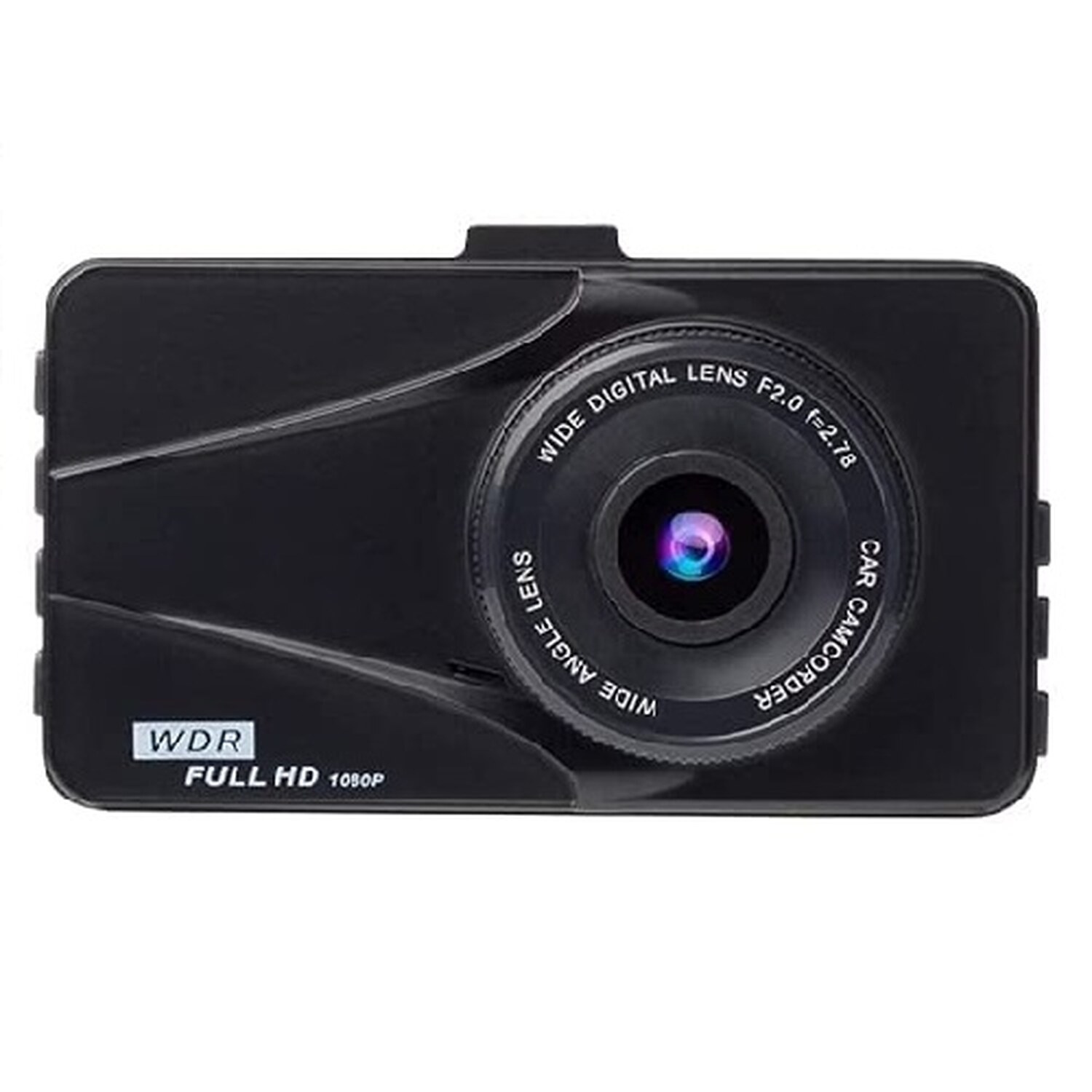
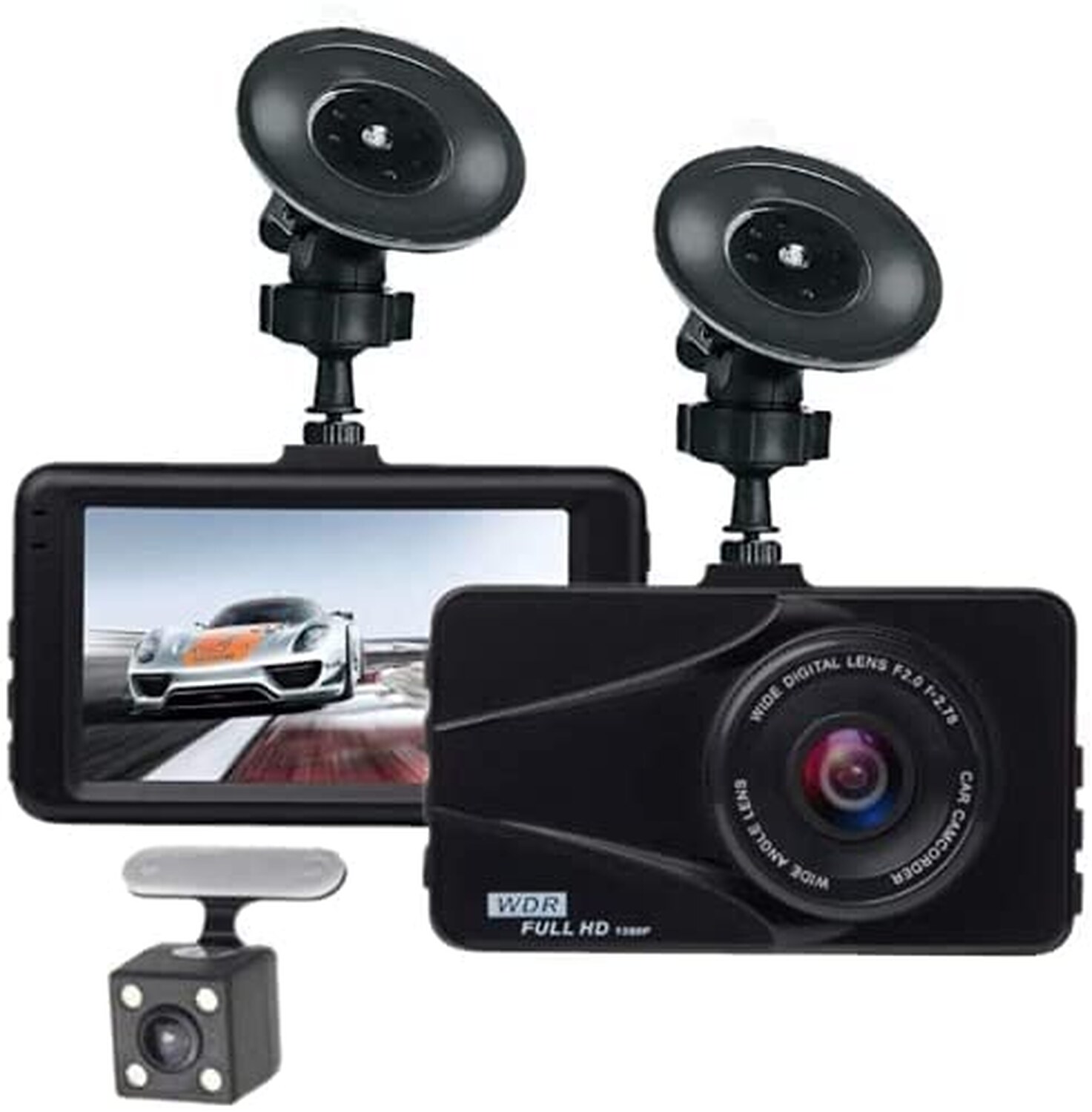
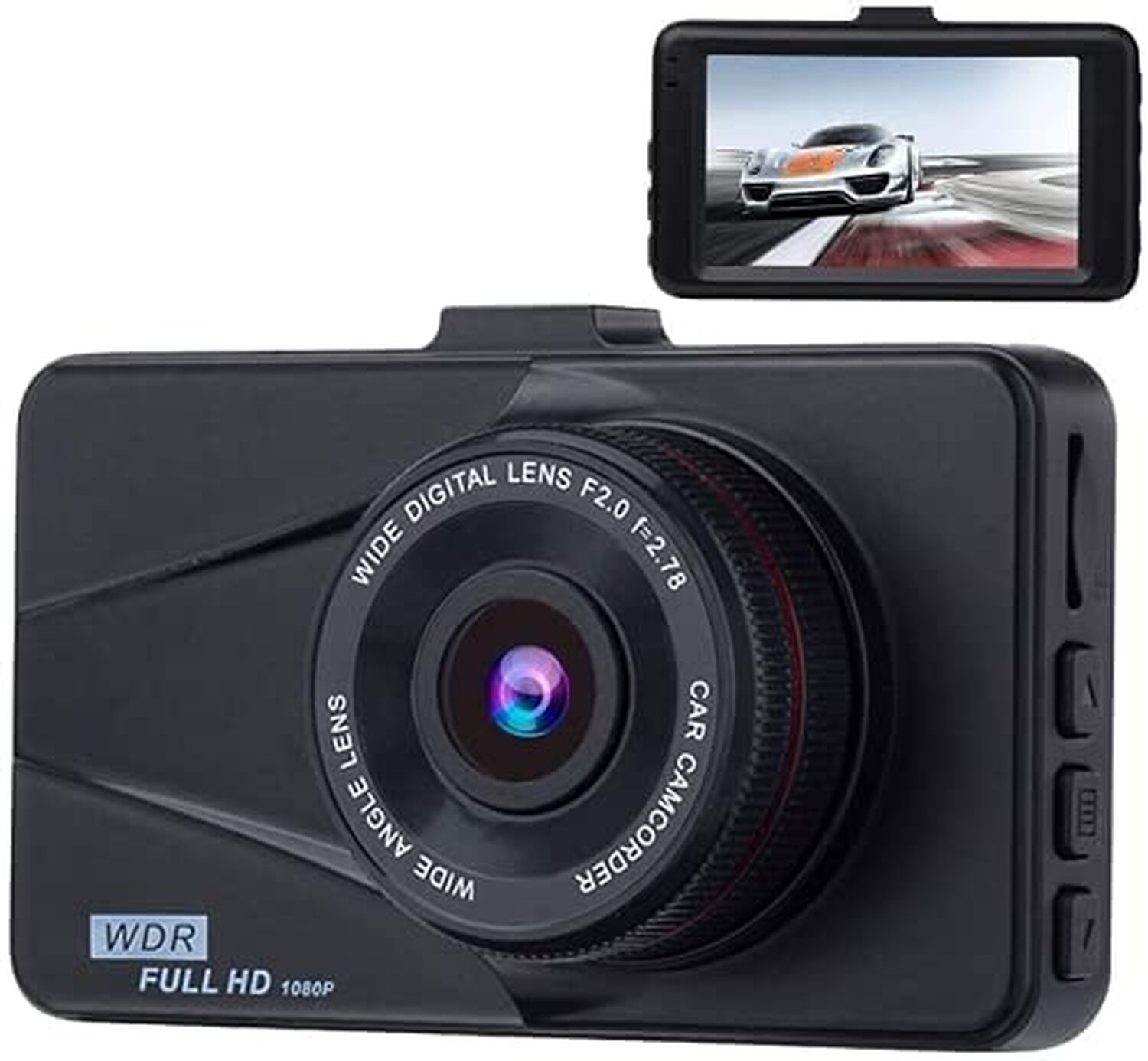
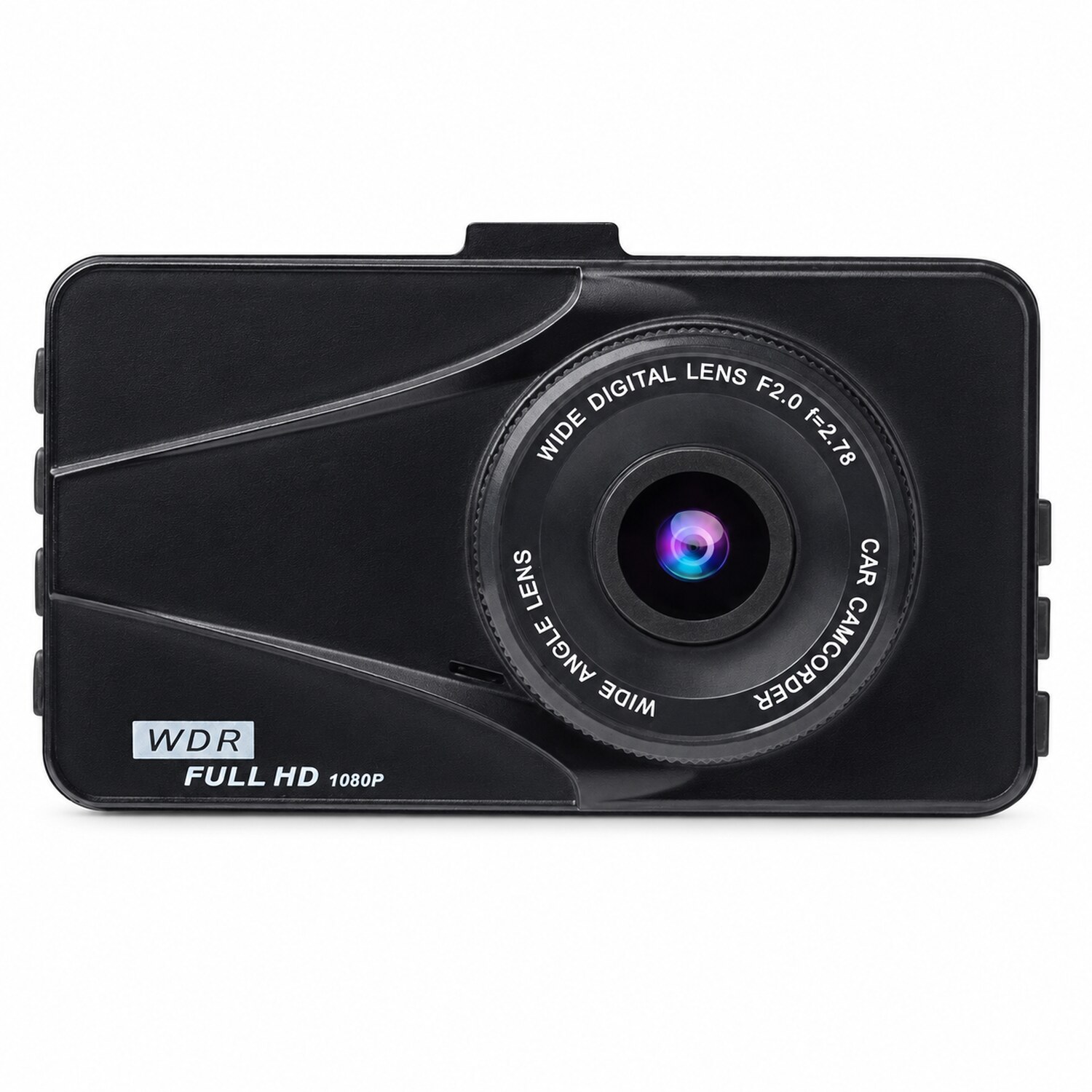
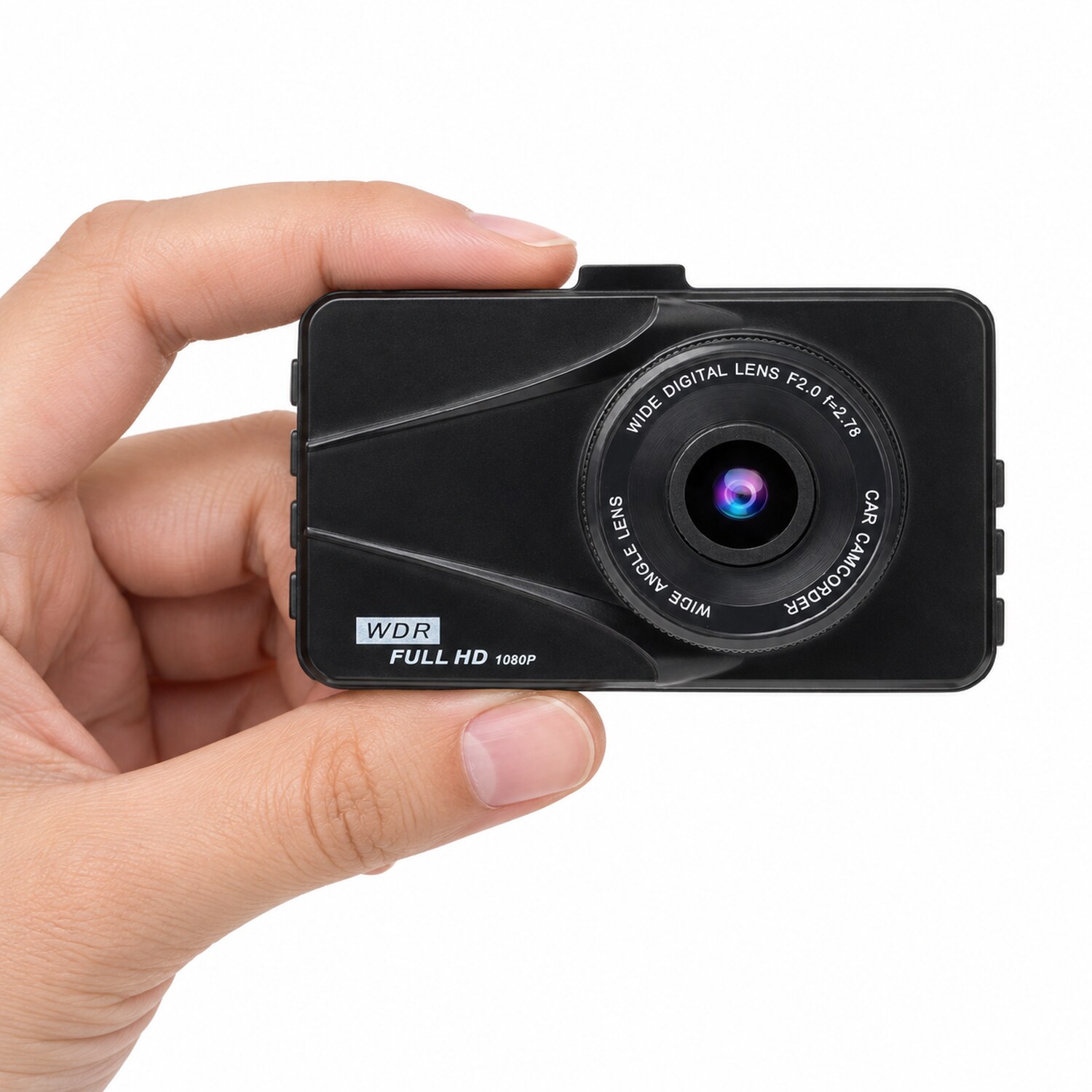
T670 Plus DVR Dash Cam for Buick Dual Travel Recorder Full HD 3″ LCD Screen 170° Wide Angle, WDR, G-Sensor, Loop Recording Motion Detection Excellent Video Images
by — Premium Quality
Quality
Tested
30-Day
Guarantee
Fast
Shipping
Product Details
T670 Plus DVR Dash Cam for Buick Dual Travel Recorder Full HD 3″ LCD Screen 170° Wide Angle, WDR, G-Sensor, Loop Recording Motion Detection Excellent Video Images
by — Premium Quality
Quality
Tested
30-Day
Guarantee
Fast
Shipping
Product Details
About this item
Product description
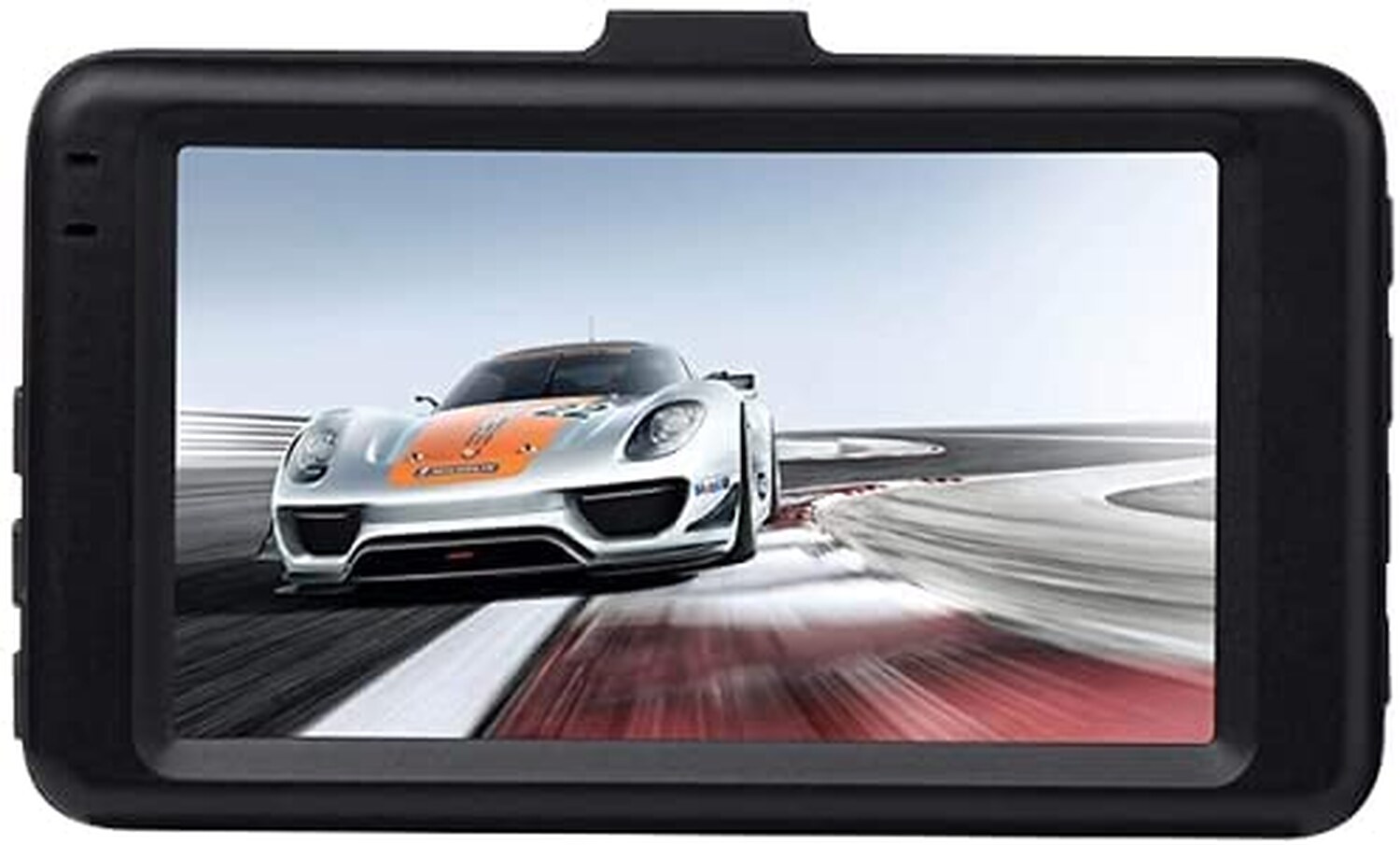
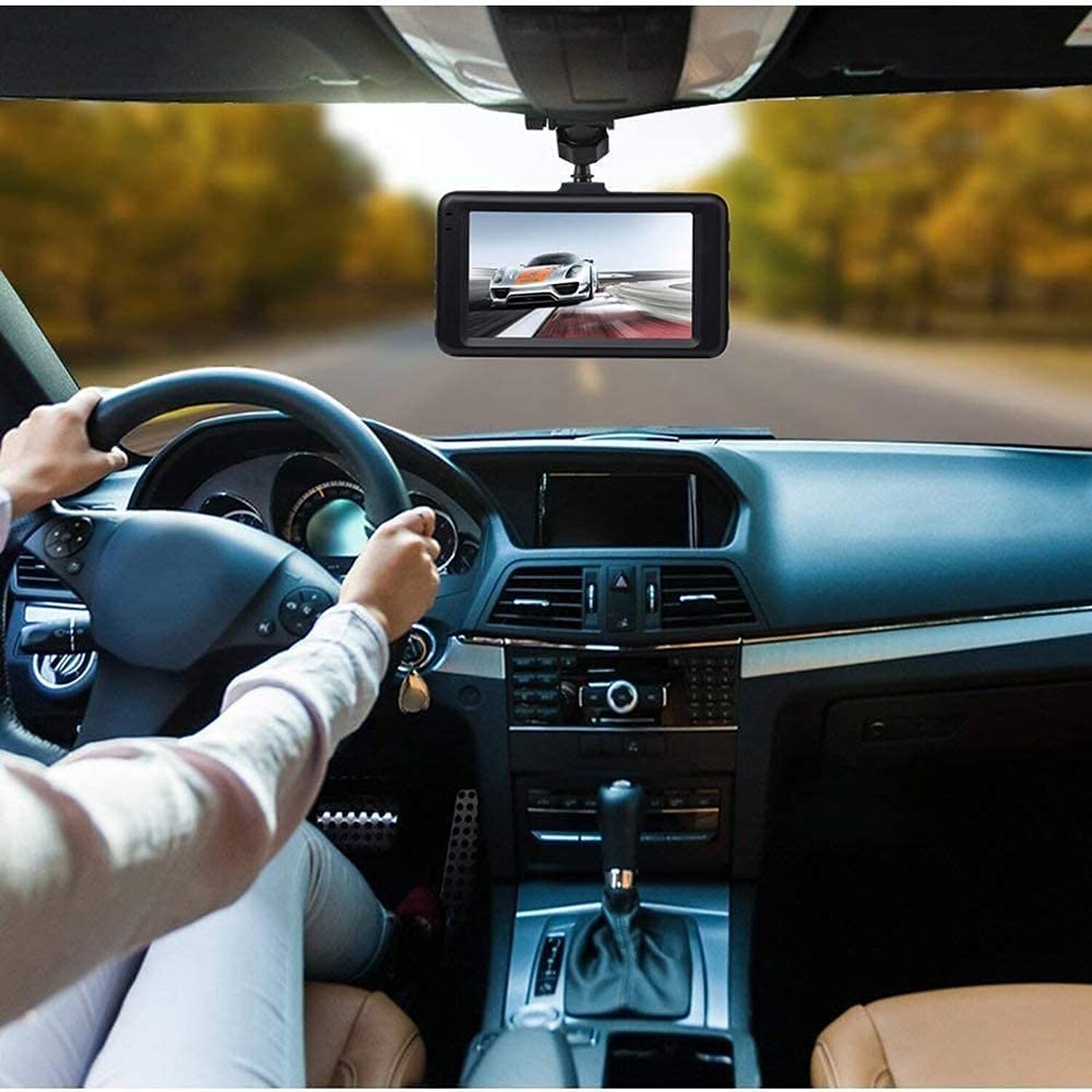
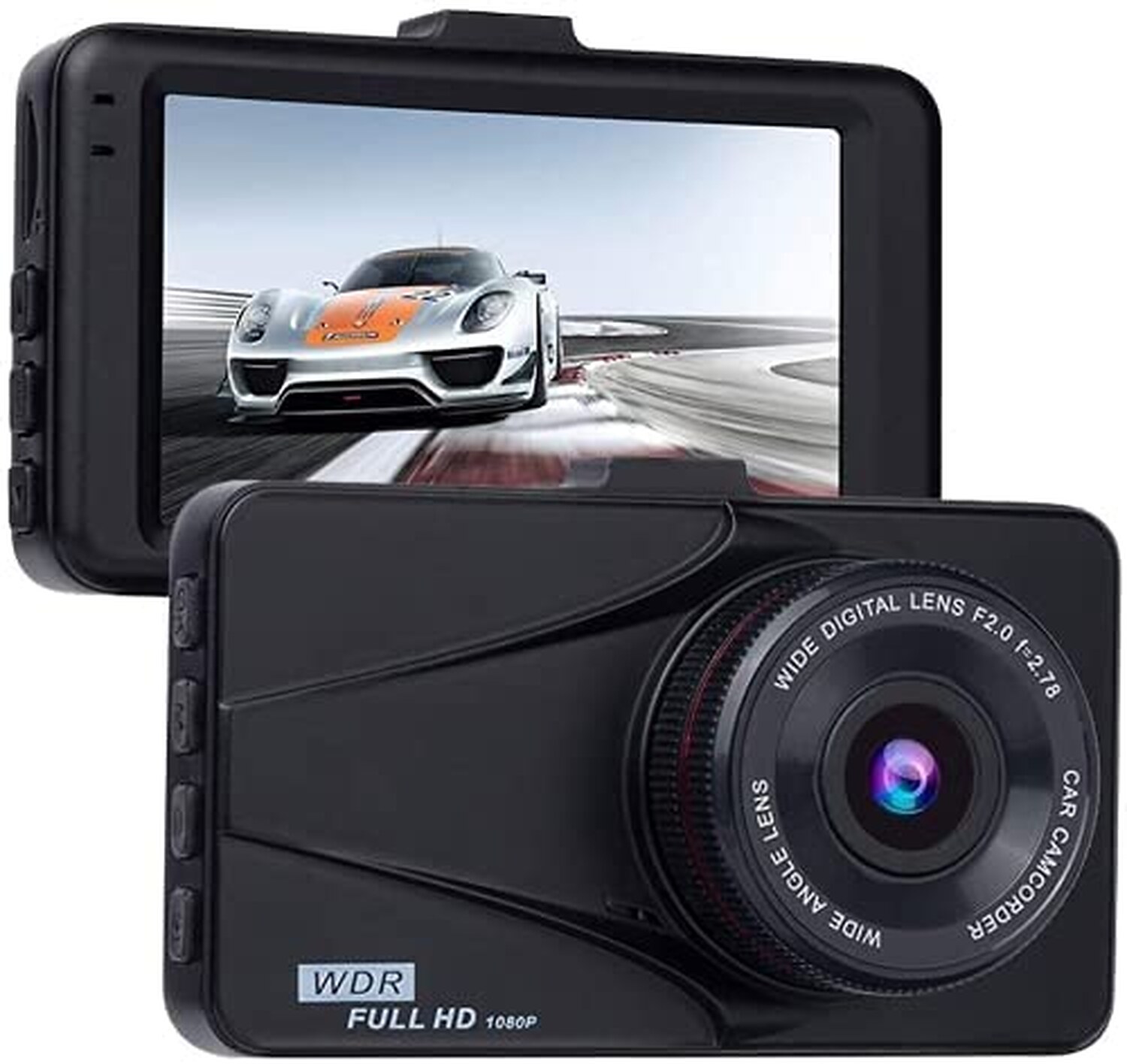
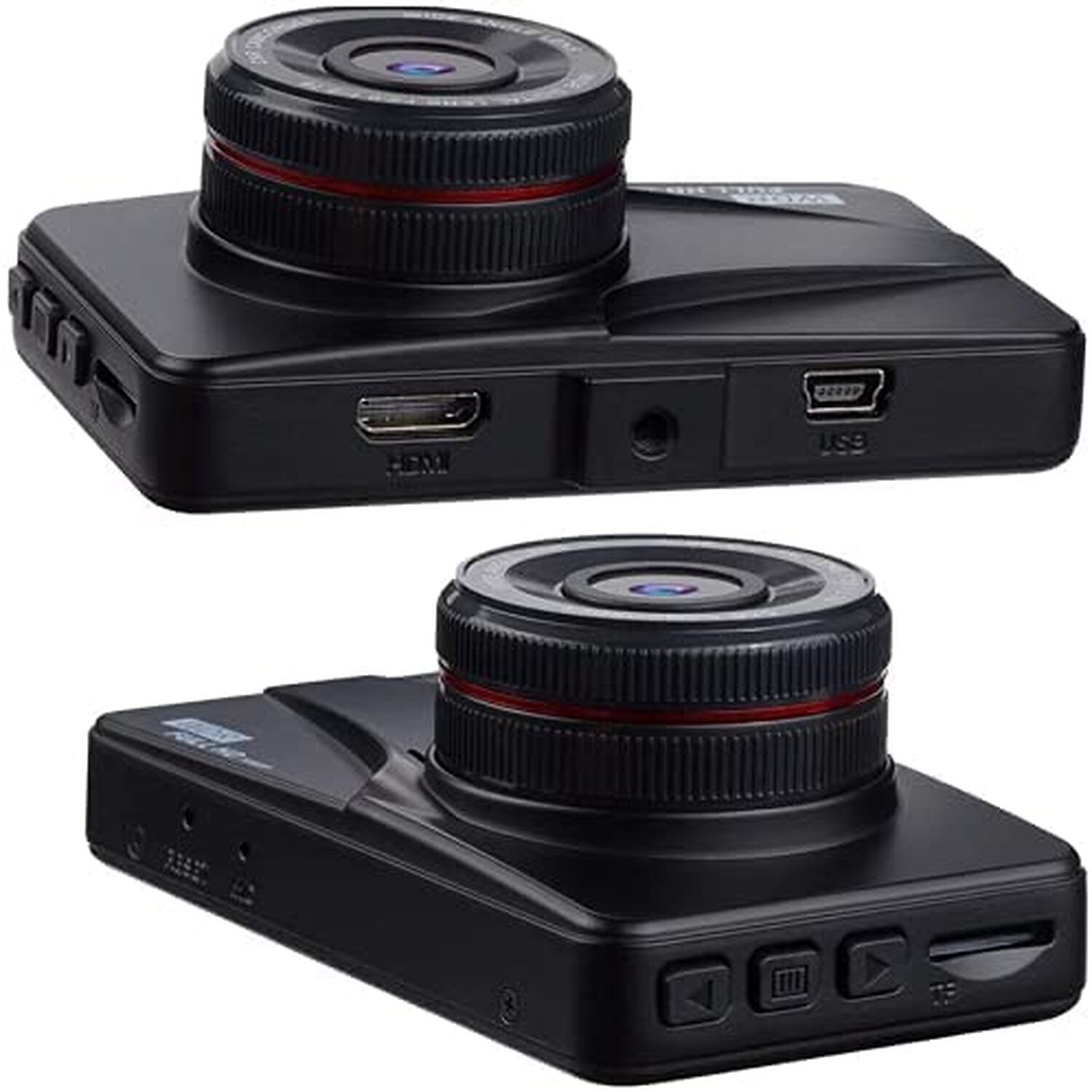
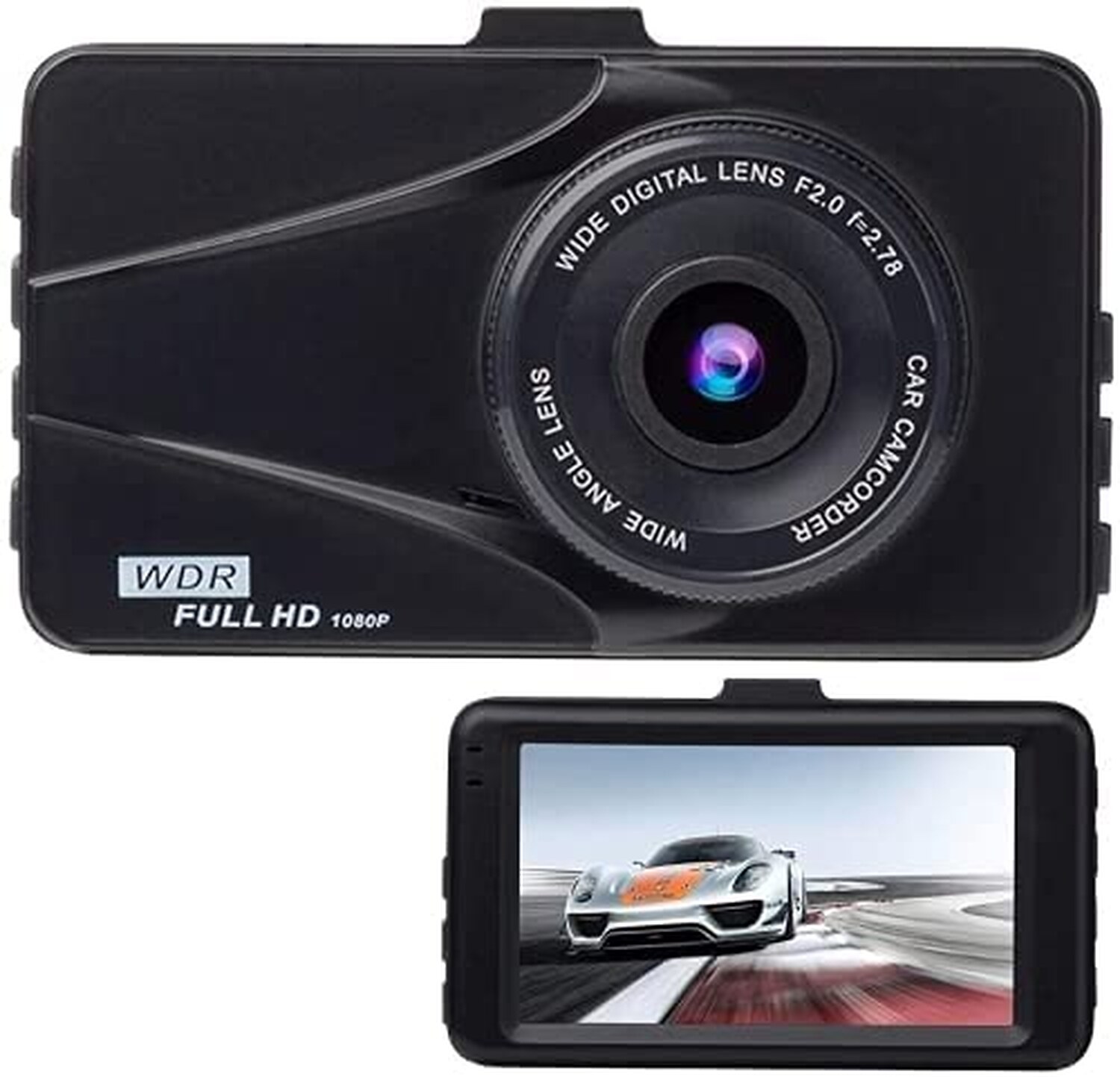
Feature Model T670+ Pixel 12 million Lens 4G with OV wide-angle lens Wide angle 170 degree A+ high resolution super wide angle lens G-sensor built-in LCD screen size 3.0 inch display Video resolution 1920*1080P 30FPS / 1280*720P 30FPS Body alloy Infrared night vision support HDMI output support File format MOV Video video format M-JPEG, Audio: AAC Memory card TF (maximum support 32GB) Non-stop loop recording Seamless loop recording, no leaks On-board switch machine Support car ignition start, flame off Motion detection function Year, month, day, hour, support Current frequency 50HZ/60HZ USB function 1: USB-Disk Power interface DC: 5V-1A Battery Built-in 200mAh Seiko protection board Operating temperature -10 ° C ~ 70 ° C DESCRIPTION Video format: AVI Photo Resolution: 1080FHD / 1080P / 720P / VGA Photo format: JPG frequency: 50H Z / 60H Z Microphone: YES Screen saver: Off / 1min / 3min / 3min / 5min High definition image: This picture board camera on-board with 3 ″ screens, 170 wide-angle lenses, 1920x1080p High-speed video recording at 30 frames/second captures fast-moving scenes, can capture car and multi-track license plates, provides excellent image quality and clear video evidence Loop recording and instant playback Dash Cam. The G sensor can automatically detect a jerk/collision and lock the video to prevent loop recording. Packages: 1 X Dash Cam 1 X Suction Mount 1 X Car Charger ( Input 24V/12V, output DC 5V/1.2A) 1 X User Manual Warm Tips 1. Please insert a Micro SD card (Class 10 or above, up to 32GB)and format it before recording. 2. If you connect the dash cam to computer via USB cable, the screen will read Mass storage. 3. The SD card is not included in package. You are suggested to use a class 10, 32GB max SD/HC card. 4. The battery of the cam is only for emergence file back up. External power is required for operation. 5. If car charger or suction cup mount is defective, please contact us to get a replacement.
Product information
| Package Dimensions | 2 x 2 x 1 inches |
|---|---|
| Item Weight | 1 ounces |
| ASIN | B095TTRRPS |
| Item model number | UXT670P |
| Date First Available | May 25, 2021 |
| Manufacturer |
Why Choose ?
Premium quality at competitive prices
Quick processing and delivery
30-day money-back guarantee
Thousands of happy customers
30-Day Money-Back Guarantee
Not satisfied? Return for a full refund. No questions asked.
Why Choose ?
Premium quality at competitive prices
Quick processing and delivery
30-day money-back guarantee
Thousands of happy customers
30-Day Money-Back Guarantee
Not satisfied? Return for a full refund. No questions asked.
How to Verify This Is the Right Key for Your Buick
Before purchasing a replacement key fob remote for your Buick Dual Travel Recorder, verify these details to ensure a perfect match:
5-Point Compatibility Checklist
- Verify Year, Make & Model — Confirm this key is listed for your exact Buick Dual Travel Recorder. Even within the same model, different trim levels or production dates may use different key types. Check your owner’s manual or the sticker on the driver’s door jamb for your exact model year.
- Match the FCC ID — This is the most reliable way to guarantee compatibility. Open your current key fob and look for the FCC ID printed on the back of the case or on the circuit board inside. The FCC ID identifies the exact radio transmitter — if the FCC IDs match, the keys are functionally identical.
- Check the Part Number (MPN) — The manufacturer part number (also called OEM part number or MPN) is another way to verify compatibility. You can find your vehicle’s correct part number in the owner’s manual, by searching with your VIN at a Buick parts department, or on your existing key.
- Count the Buttons — Make sure the replacement has the same number of buttons in the same layout as your current key. Common configurations: 3-button (Lock, Unlock, Trunk/Panic), 4-button (Lock, Unlock, Trunk, Panic), 5-button (adds Remote Start). A key with different buttons may still work for basic functions but won’t have all features.
- Confirm the Key Type — Your Buick may use different key types depending on the trim level:
- Transponder chip key — Traditional metal key with an embedded chip. Requires programming to start the engine.
- Key fob remote — Plastic remote for lock/unlock/trunk. Works alongside a separate ignition key.
- Remote head key / flip key — Combination key blade + remote in one unit.
- Smart key / proximity key — Push-button start. Stays in your pocket — the car detects it wirelessly.
Make sure you’re ordering the correct type for your Buick Dual Travel Recorder. If your car has push-button start, you need a smart/proximity key. If you turn a physical key to start, you need a transponder or remote head key.
Quick Verification Summary
| Vehicle: | Buick Dual Travel Recorder |
| Key Type: | Key Fob Remote |
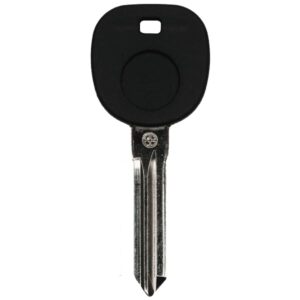
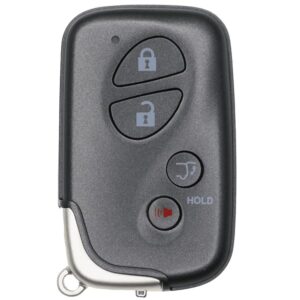
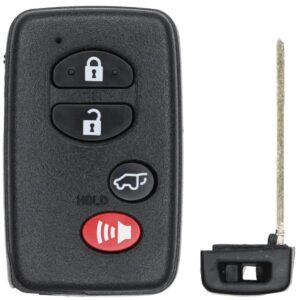
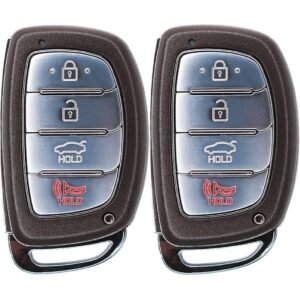
Tip: If you’re unsure, take a photo of your current key (front and back) and compare it to the product images above. The FCC ID is the single most important number to match.
Not Sure Which Key You Need?
- Check your existing key — Flip it over and look for the FCC ID and part number printed on the case or circuit board.
- Call a Buick dealer parts department — Give them your VIN (Vehicle Identification Number) and they can tell you the exact key part number for free.
- Search by VIN online — Several free VIN decoders can identify your key type and part number.
- Contact us — Send us your year, make, model, and a photo of your current key. We’ll help you find the right replacement.
Programming Guide: Buick Dual Travel Recorder Key Fob Remote
✓ This key CAN be self-programmed at home — no locksmith needed!
Good news — your Buick Dual Travel Recorder supports on-board key fob programming. You can program this key fob remote yourself in about 5-10 minutes with no special tools.
Step-by-Step Programming Instructions
Tips for Successful DIY Programming
- Follow timing exactly — The ignition cycle timing is critical. Use a stopwatch if needed.
- Have ALL your remotes ready — Programming mode may erase existing fobs. Reprogram old ones in the same session.
- Fresh batteries — Make sure both the new key fob battery and your car battery are in good condition.
- Close all doors — Most procedures require all doors to be fully closed and latched.
- Try up to 3 times — If it doesn’t work the first attempt, try again. Timing precision matters.
- Check your owner’s manual — Some models have specific variations of the general procedure.
Important: Remote vs. Transponder Programming
DIY self-programming typically covers the remote functions only (lock, unlock, trunk, panic). If your key also has a transponder chip (needed to start the engine), that chip may need separate programming by a locksmith — even if the remote buttons program successfully at home. If your new key unlocks the doors but won’t start the car, the transponder chip likely needs professional programming ($50-$75 at a locksmith).
Estimated Programming Cost Comparison
| Option | Key Cost | Programming | Total |
|---|---|---|---|
| Buick Dealership | $150-$350 | $75-$200 | $225-$550 |
| Locksmith + Our Key | Our price | $50-$100 | Our price + $50-$100 |
| DIY + Our Key | Our price | $0 (free!) | Our price only! |